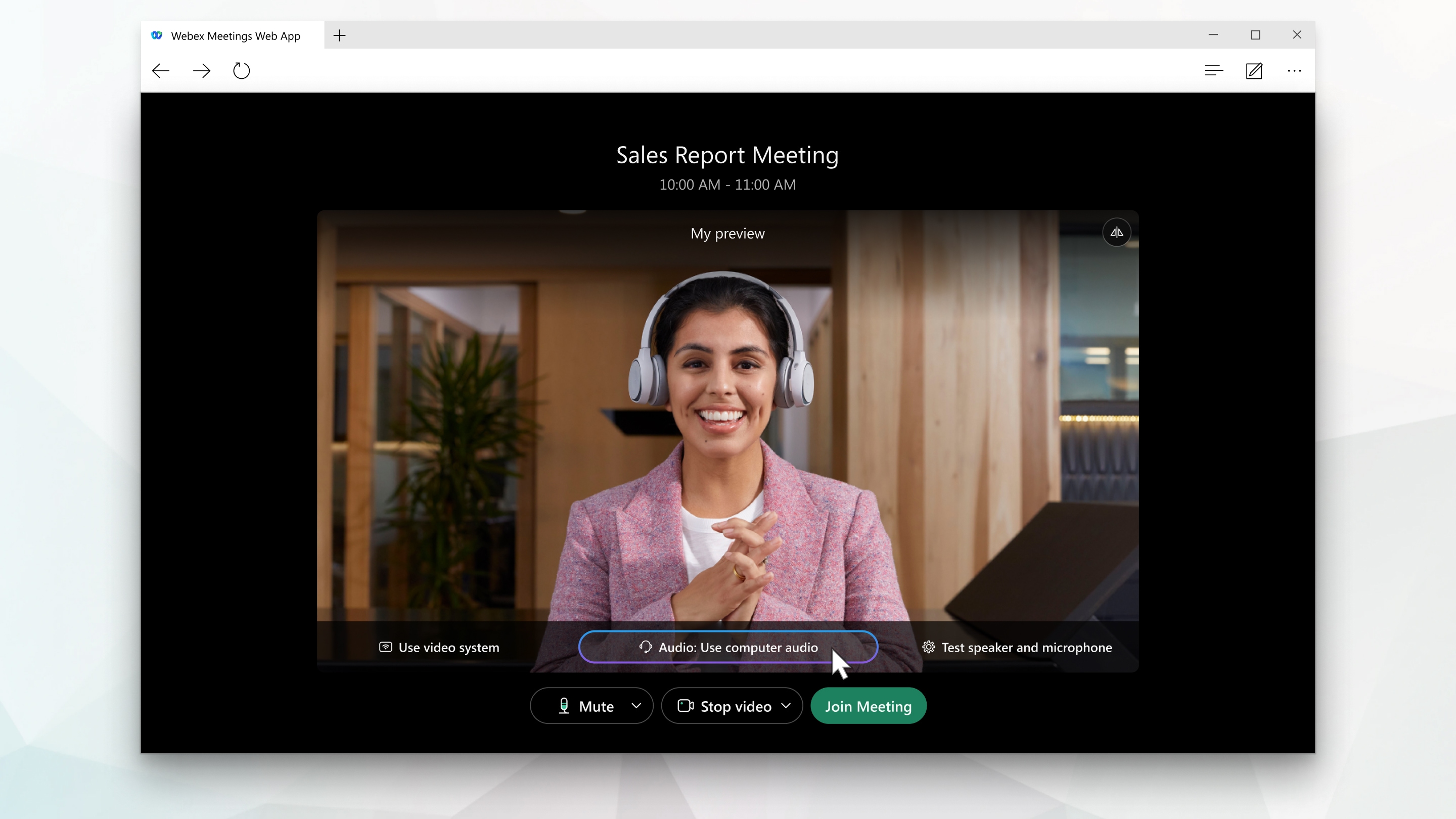
Joining a Webex meeting from a web browser
Do I need a webex account to join a meeting?
You do not need a Webex account to join meetings to which you are invited. You can join a webex meeting from a browser.
You simply need an email invitation that provides the necessary information to enter the meeting.
How to join a webex meeting from a browser?
Explanatory video:
You can join a meeting from your browser, mobile device, phone or a video system. Choose the option that best suits your needs.
You do not need a Webex account to join meetings to which you are invited. You can join a webex meeting from a browser.
You simply need an email invitation that provides the necessary information to enter the meeting.
- Click on the green button “Join meeting” button: Open the e-mail invitation and click on the green “join meeting” button.
- Webex begins preparing to connect you to your meeting. If you are joining from a Windows or Mac computer, click Join from your browser. If you are joining from a Linux or Chromebook computer, you will not be prompted to install anything. The meeting simply opens in your browser.
-
-
- In the POP UP window that appears, select cancel.
- And click on the URL “Join from yourbrowser““Join from your browser“.
-
- On the next screen, select: Join as a guest.
- Enter your name, which will be displayed at the meeting, and your email address and check Remember Me and select “Next”.
- Then click Login to access the full list of meeting features.
- In the preview window, you can make sure your audio and video sound and look good before joining the meeting. First, choose how you want to listen.
|
|